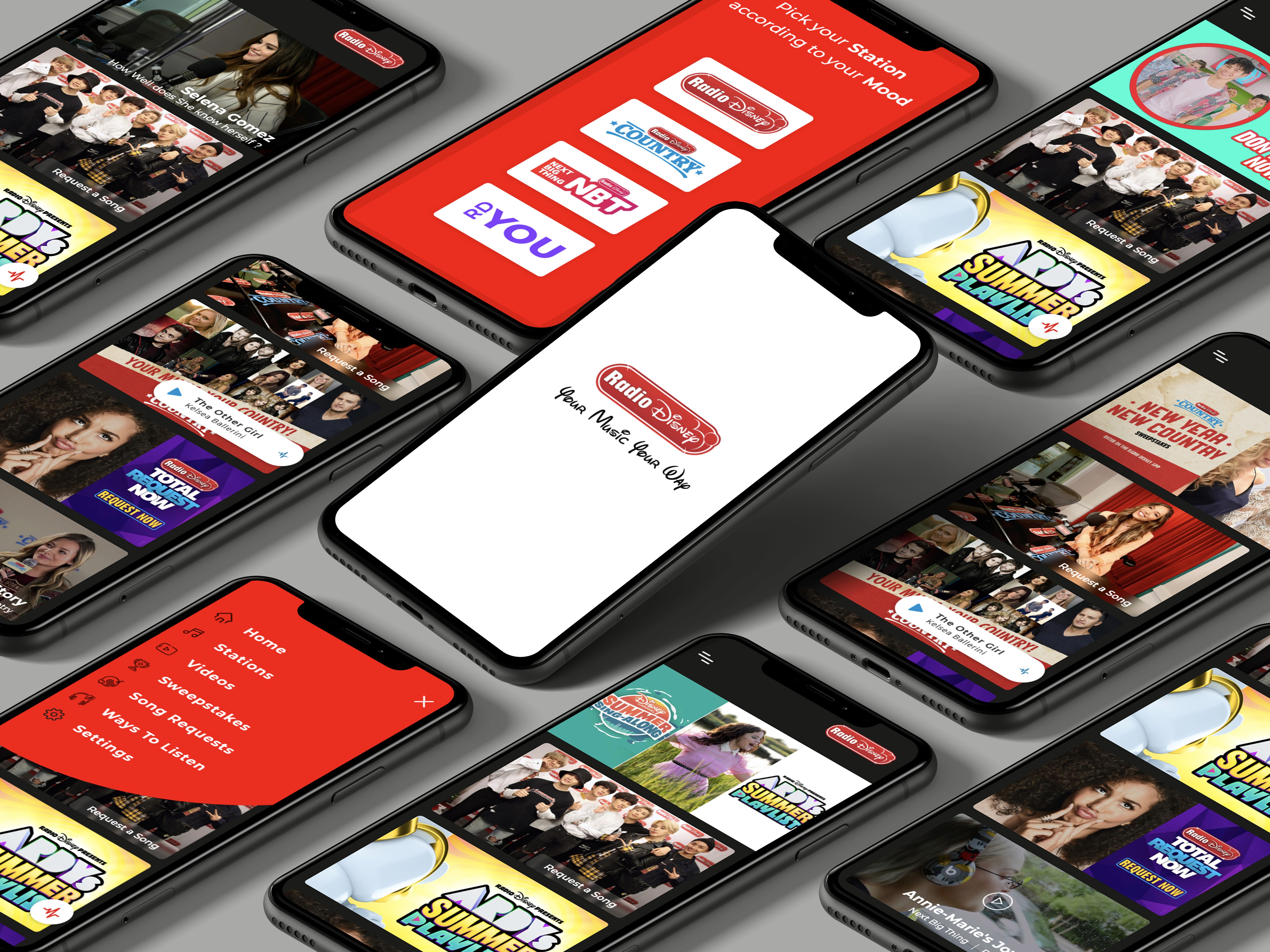
This was a self-initiated redesign of the Radio Disney mobile app . The goal was to address usability gaps, improve aesthetic coherence, and make the experience friendlier for new users while retaining existing users’ familiarity.
Client:
Radio Disney
My Role:
UI/UX Designer
Year:
2020
Service Provided:
UX/UI Design, App Design

Problem Statement
The existing Radio Disney app felt visually dated, with inconsistent UI elements across screens.
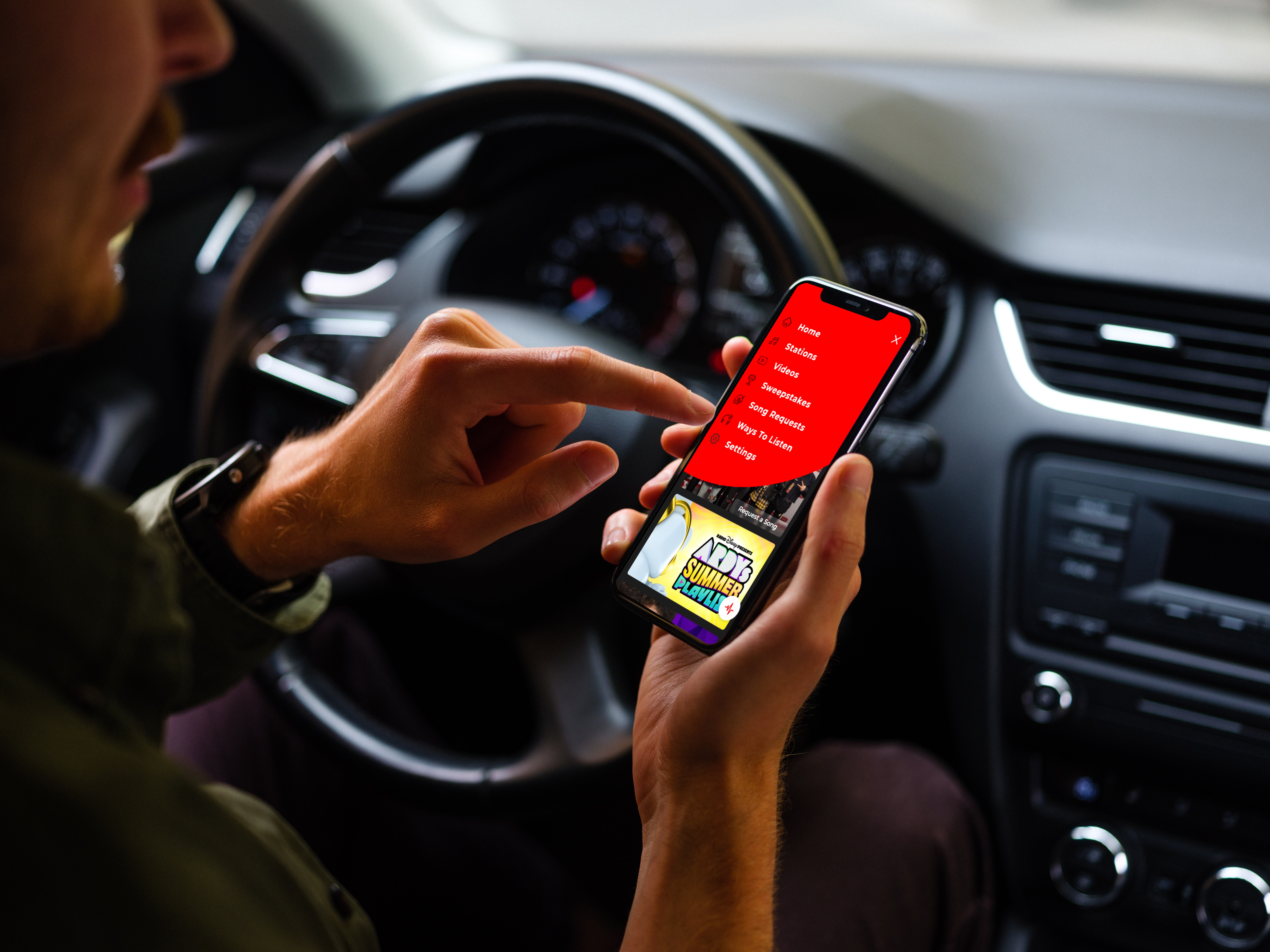
Users—especially new ones—struggled to discover core features (like live radio, playlists, artist info). Navigation was confusing: some actions were hidden behind gestures or unclear icons.
The app didn’t do enough to help users maintain engagement—there was limited personalization & progress, so users didn’t feel rewarded for frequent usage.
Motivation
Music/radio apps are part of my daily routine, so I see firsthand what works and what doesn’t. I believe small changes in UI, UX flow, and visual hierarchy can significantly improve user satisfaction.
I wanted to explore how to balance aesthetic refresh (modern design patterns, cleaner visuals) with usability—keeping things intuitive for both long-time users and newcomers.
Also, I saw an opportunity to learn more about designing for music streaming / live radio environments: how to optimize for immediacy, clarity, and pleasure (since people often interact while doing other things).
Design Goals
Simplified Navigation & Discoverability
Make core features (Live Radio, Favorites, Playlist, Search/Browse) more visible.
Reduce reliance on hidden gestures or ambiguous icons.
Consistent Visual Language
Create unified styles for buttons, typography, color, and spacing.
Use visual hierarchy to guide the user’s eye toward the most important features.
Clear Feedback & Interaction
Improve affordances (buttons that clearly look tappable), animations / transitions to show state changes (e.g., when a song is playing, paused, or added to favorites).
Ensure micro-interactions are smooth and helpful.
Personalization & User Engagement
Add features or UI elements that surface what users like (favorite artists, frequently played shows).